|
phpLDAPadmin - Add Users
2015/03/18 |
|
It's the basic operation of phpLDAPadmin. Add a user as an example on here.
|
|
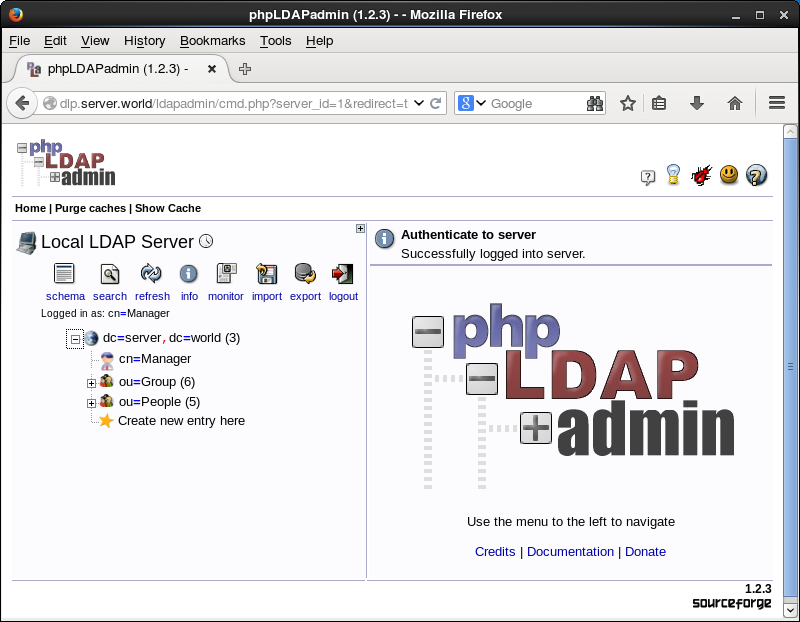
| [1] | Login to phpLDAPadmin admin site and click "ou=People". |
|
|
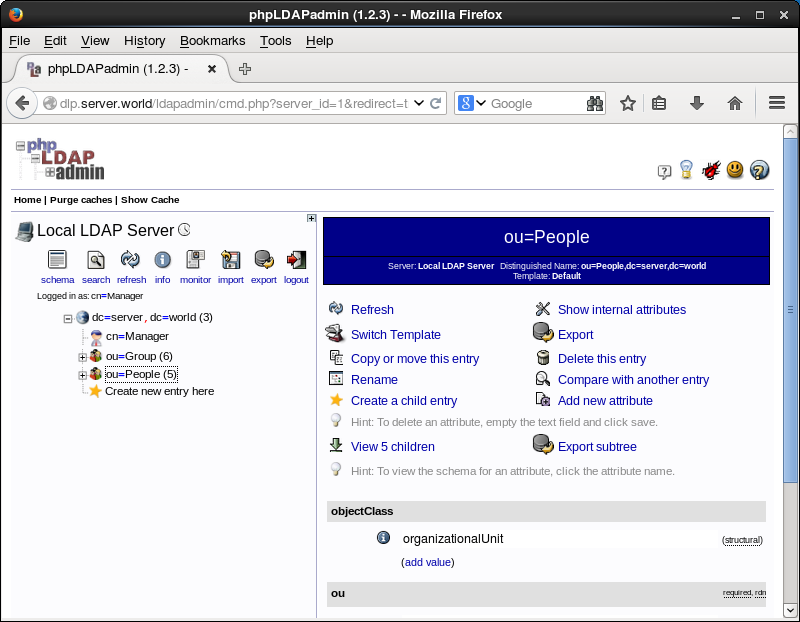
| [2] | Click "Create a child entry". |
|
|
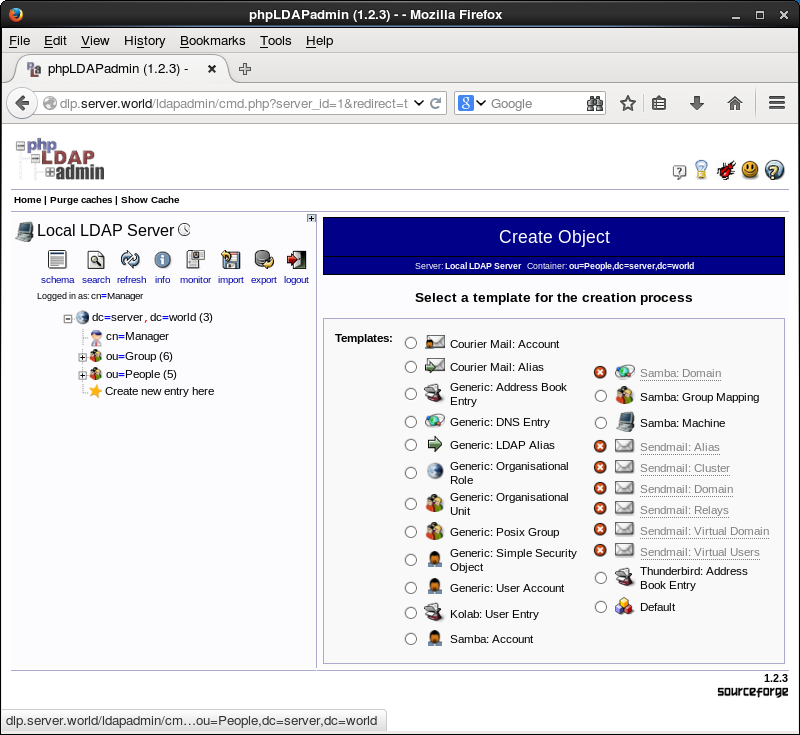
| [3] | Check a box "Default" on the right pane. |
|
|
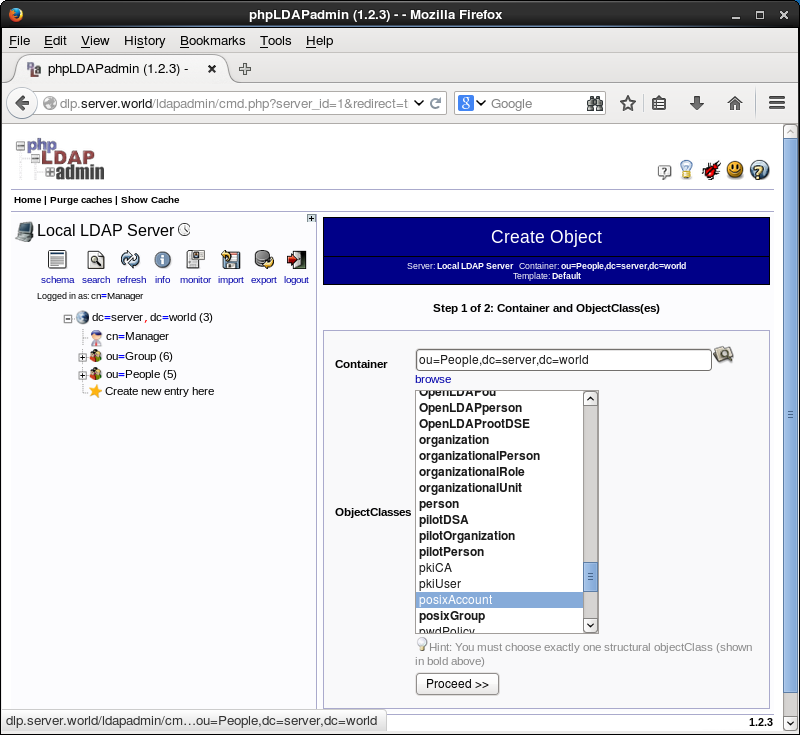
| [4] | select "account" and "posixAccount" and click "Proceed" button. |
|
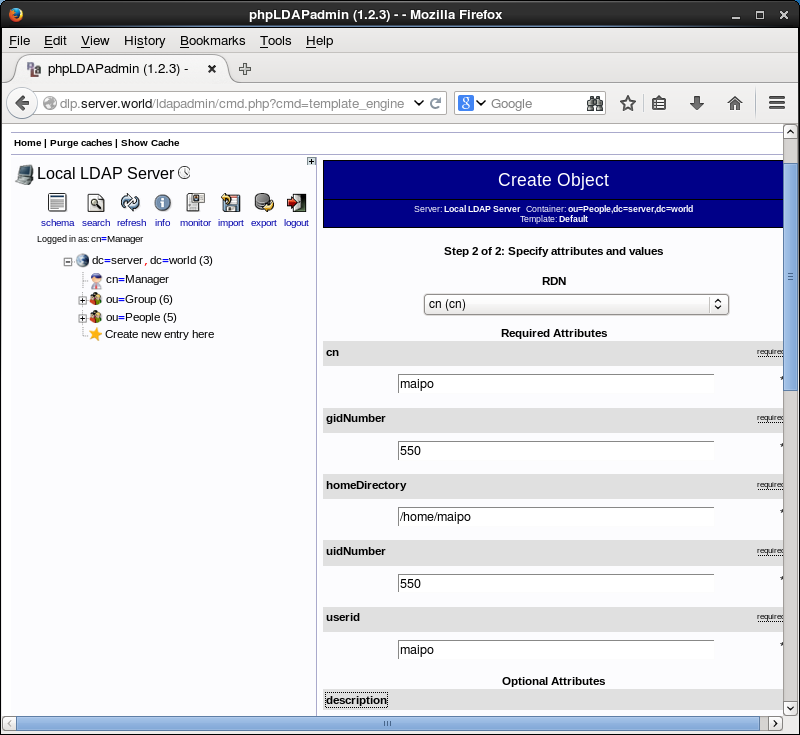
| [5] | Input required items on yellow fields and click "Create Object" button. |
|
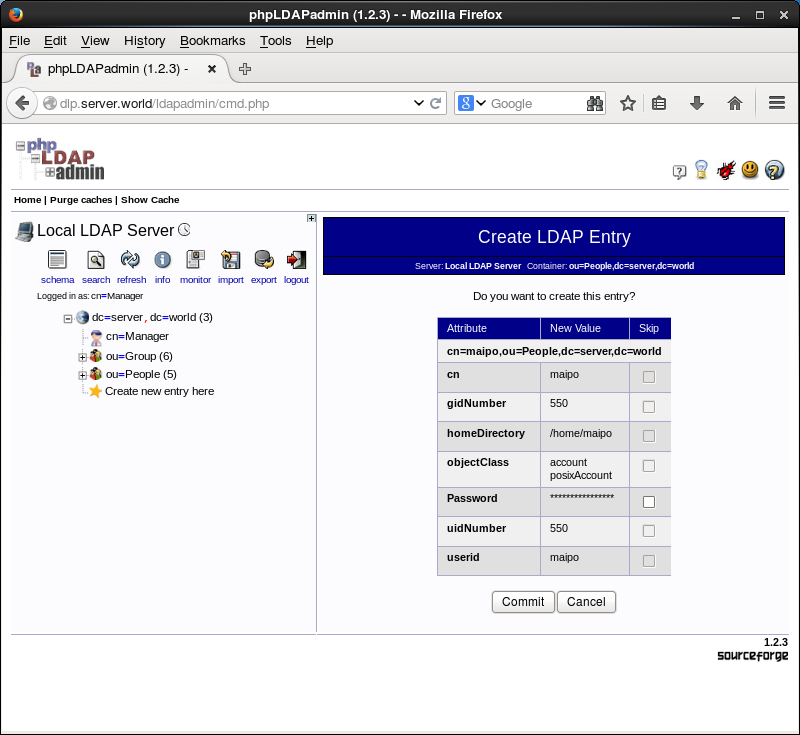
| [6] | Click "Commit" button if it's OK. |
|
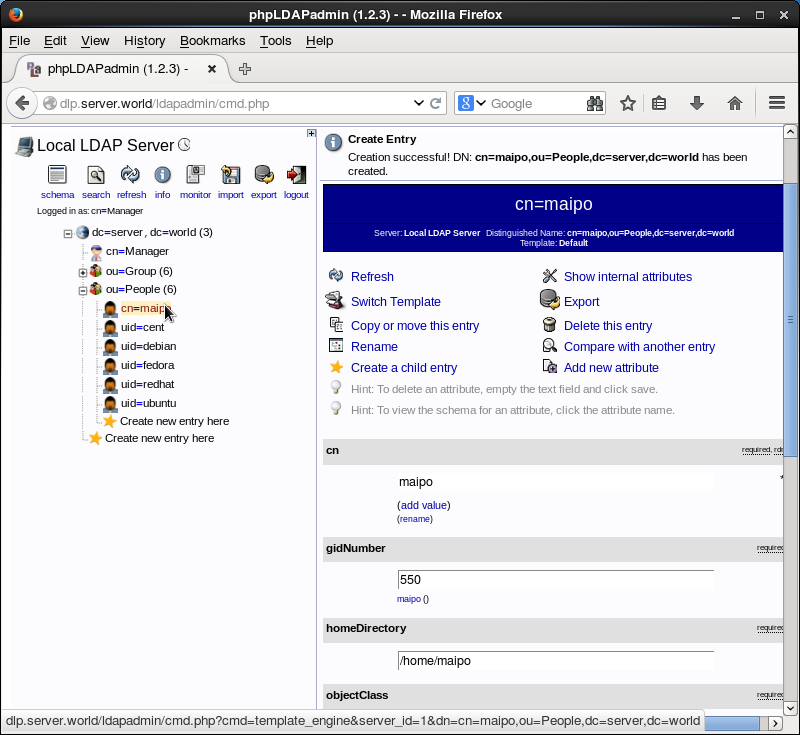
| [7] | A user is just added. |
|